
When I kicked off this vibe coding challenge I wrote about a thesis: the bottleneck in building has shifted. It used to be writing code — now it’s knowing what to build and verifying it does what you think. That reframe is what gave me the confidence to try this vibe coding challenge as a non-technical PM. Here’s what it felt like after I shipped a few things of varying complexity.
What I built recently
I vibe coded three apps, roughly in order of complexity:
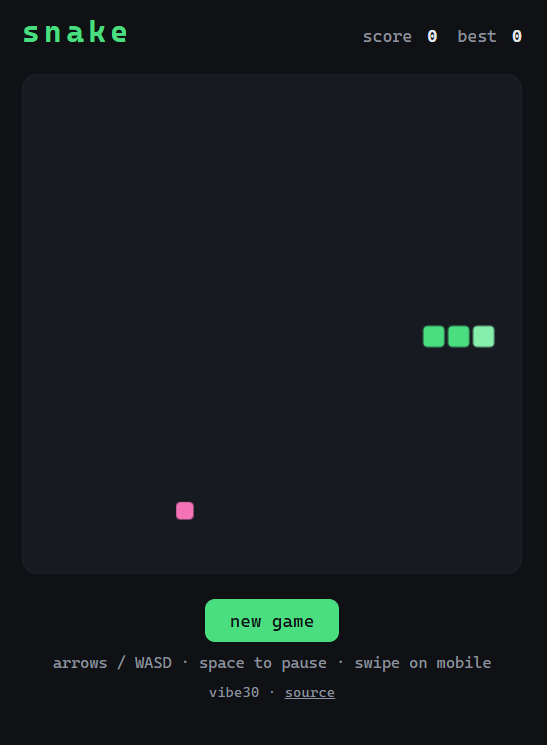
A Snake game clone
Snake was the warm-up (Live here). The classic Nokia game clone was basically one-shotted — my Claude agent had it working fast. What actually took time was the first-time deploy plumbing: setting up Cloudflare Pages and connecting it to my GitHub repo, setting up the CI pipeline for deployments. Not glamorous, but it was a one-time cost. Now that path exists, every project after this was faster to get off the ground.
A simple Discord clone
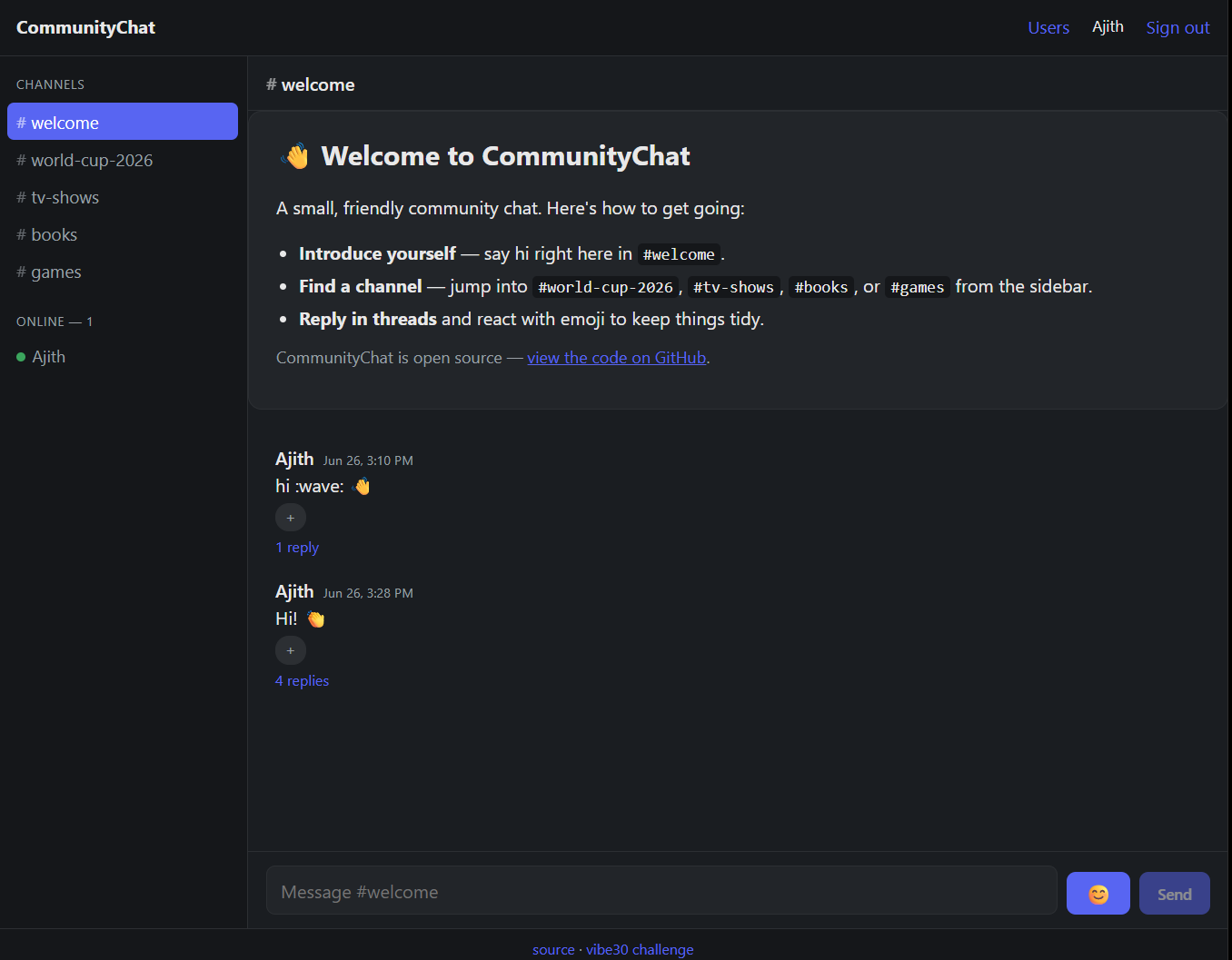
Community Chat was the most ambitious — a single-server Discord clone (Live here). Shipped in a few days across a couple of sessions. This one involved a real backend stack: Supabase for authentication, database, and real-time messaging (it’s a useful tool that gives you these building blocks out of the box — you don’t have to wire them from scratch); Resend for email delivery; and Cloudflare Pages for hosting.
I was making actual product decisions along the way — simplified the sign-up flow with a magic link, then iterated on mobile responsiveness, presence indicators, and typing indicators once I had something working to test against with myself and others. The feedback loops were genuinely fast as I started running feature worktrees in parallel (more on that below).
A terminal tool
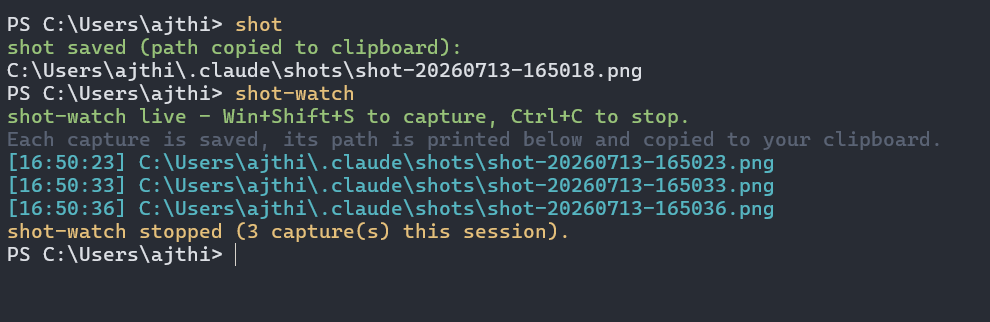
Windows screenshot tool for Claude agents — I built a command-line tool to let me share screenshots with my Claude Code terminal session on Windows. Building for a terminal interface has different UX considerations from a web or mobile application, but the forced simplicity can be refreshing. Shipping it felt good initially, because I found a gap in the Claude Code experience for Windows users and built a tool to solve my own needs. However digging deeper into the Github issues I discovered that this was already solved via a poorly documented hotkey (ALT+V not CTRL+V). It was still fun using a tool I built in my own terminal workflows, and I might still find some utility for this.
I wanted to go further with additional builds after these three, but I also spent some time separately working on and sharing learnings from my blog migration and nanoclaw exploration. Both were interesting and scratched the same itch to build — just in a different direction.
What I learned along the way
1. Agentic tooling and scaffolding primitives made complex apps reachable
I previously mentioned Compound Engineering as the software development agent plugin I was planning to try. In practice it held up: the structured pipeline (ce-brainstorm > ce-plan > ce-work > ce-code-review) gave me a repeatable skeleton for each project.
I liked that each skill prompted the agent to run important steps within a unit of engineering work, with sufficient depth that I can reasonably trust the outputs as a non-technical builder. It could reason through the right architectural approaches based on my requirements, and could test and review its own work. However this could give you “overconfidence” in the AI generated code, which I’ll touch more on further below.
I also tried out their lfg command which would run the full pipeline autonomously end to end all the way to an open PR. For Community Chat, the lfg command worked remarkably well once I had my requirements mapped out, and initial scaffolding setup — it basically one-shotted my first working version of the application.
The infrastructure tools were equally important for scaffolding my applications. Cloudflare Pages made hosting and deployment simple and nearly invisible once setup. Resend made email sending (for Community Chat) straightforward once the DNS updates were sorted. Supabase is also worth calling out — it gave me a full backend (auth, database, real-time events) with minimal configuration. Without something like that, Community Chat might have taken additional turns to set up. These tools collectively lowered the floor enough that a Discord clone was actually completable in a few sessions.
Some of my other learnings here were also similar to what I took away from my blog migration and nanoclaw exploration, where agents can help you go into areas beyond your technical depth, as both a planning and execution partner. Specifically for my blog — it was able to oneshot a simple front end app, and also help me plan and tackle seemingly complex migrations without breaking things (domain, hosting, blog content).
2. The power of parallel agents and worktrees changed the velocity equation
Git worktrees are a way to have the same codebase checked out in multiple places simultaneously, so different agents can work on different parts of it without stepping on each other’s changes. Orchestrating coding agents can get powerful with it. But without, I learned the hard way (on the screenshot tool build) what happens when you have agents working on the same directory at the same time — they conflict, they undo each other’s work, and debugging the aftermath can get confusing.
With worktrees set up properly for Community Chat, I could run agents on separate features in parallel and integrate their work cleanly. That’s a real multiplier on pace — you’re not waiting for one thing to finish before starting the next. I could verify and iterate on one feature (mobile responsiveness), while agents were working on others in parallel (real time indicators).
3. Trusting AI generated code
While the above themes made it easier to ship working software, there’s a related risk that increased in significance: AI-generated code can look completely correct and be quietly wrong in ways that don’t surface until you’re deeper in. The output seems confident and passes a quick read or your own tests. And then something breaks later in a way that’s hard to trace.
A review from a trained engineer might also raise concerns around the “spaghetti code” generated, and without sufficient reviews and testing you could discover more production bugs and incidents. Various research backs this up, as it’s been shown that AI heavy teams have seen more code churn and duplication, lighter review cycles, and more production incidents (1, 2, 3)
The mitigation I relied on was tight iteration loops — test early, against real conditions, to catch problems before they compound.
But the approach I haven’t tried yet, and want to try in a future sprint: adversarial code reviews. The idea is straightforward: after one model generates the code, you take that output to a second model and specifically ask it to look for problems — not to validate the approach, but to stress-test it. Different models surface different failure modes. Running them against each other is one of the more practical ways others have shared to catch coding slop before it compounds. For a non-technical builder who can’t directly read the code and spot the rot themselves, that kind of structured cross-review seems like a practical safeguard for anything that matters. I’ll report back on whether it works as advertised.
4. Managing the cognitive shift - and where product skills become more important
Going in, I thought “vibe coding” was mostly about prompting and orchestrating agents — knowing how to talk to agents to get good outputs. That’s part of it, but it’s not the hard part.
The challenges shift elsewhere - managing your cognitive load as you juggle different threads, not getting overwhelmed by the amount of changes to review. It’s important to know when to redirect, when to stop, and what “done” actually looks like. It’s easy to get lost in the weeds and lose sight of the goal. Lastly, you still have to validate that you’re actually building the right solution for the right user problems.
The screenshot tool story is a good illustration. I built something functional. I pushed something I was proud of solving a known pain point. Then, while digging into whether I should try to promote it more broadly, I realized that the problem was already solved by a poorly documented shortcut. The agent’s initial research (and my validation) had missed it. I had shipped a tool I half-needed.
That said, I don’t think of it as a failure. It’s a precise illustration of where the skill gap actually lives. The execution part worked fine. I built a working command-line tool with a decent user experience. The gap was on the judgement-and-verification side: Did I sufficiently validate the premise before I built?
That’s exactly what my previous post was pointing at. And for that kind of judgement, PM skills become more important the further you get into this, not less. Anyone can prompt. Knowing what to build, and whether it’s actually needed — that’s the harder muscle.
What’s next on the threshold
I previously stated my goals here: cross from aspiring to semi-competent builder. I feel I am closer than I was before, and the imposter syndrome is not as strong as it used to be.
I was both surprised and impressed when I built a Discord clone within a few sessions. The process had real friction — there were sessions where I was deep in technical weeds and needed to step away — but the output was real software that other people could use. That’s a different relationship to building than I had before this. And as I learned with the screenshot tool, judgement and early validation loops are becoming more important.
I am planning to go back at this vibe coding challenge with another mini-sprint soon. From my recent exploration I found I was more energized building stuff that I or others might actually use (like the terminal tool), and there are also market themes around smaller model powered personal apps that I also want to explore. I think I’m going to revise my vibe-coding goals accordingly, where I’ll be less focused on quantity (of projects shipped) and perhaps go slightly deeper on 1 or 2 themes. Stay tuned for more!